
NEW REGISTRATION SYSTEM UPDATE
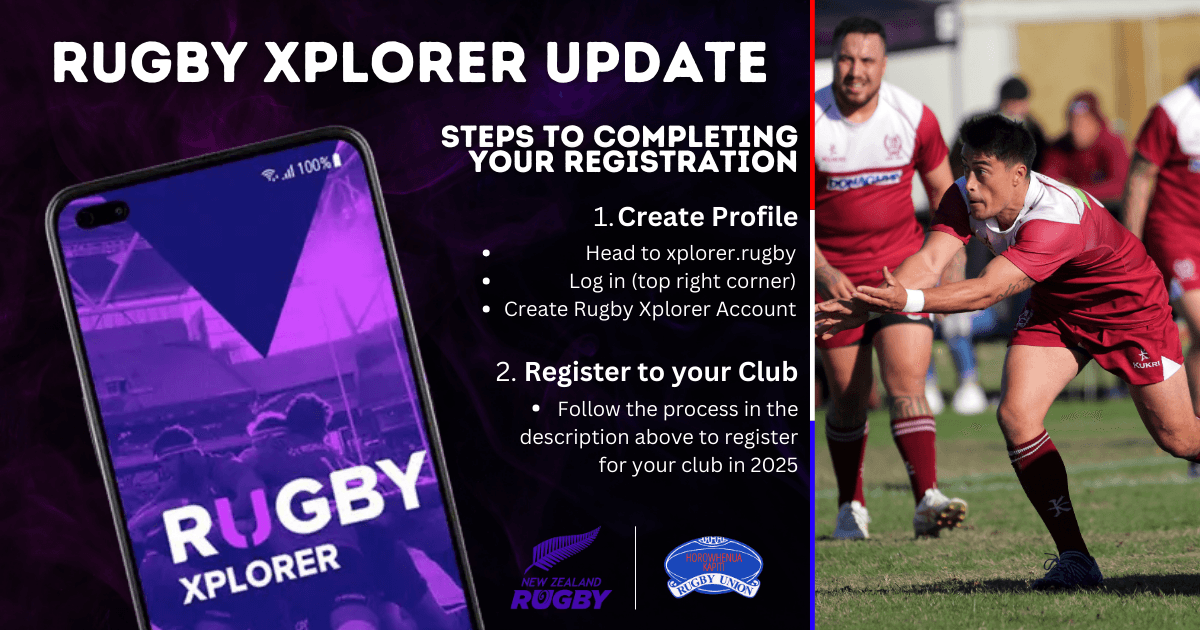
With just under a month until the senior competition kicks off, clubs are well underway into preperation for their season and it's important we get all players registered before they step foot onto the paddock for their first game. With Rugby Xplorer being the new registration platform for New Zealand Rugby, players must create a profile with Rugby Xplorer before they can register. Below are a few easy steps and links to help players create their profile and register for their club in 2025.
Step 1 - Create your Rugby Xplorer Profile
Click on the link below, which will take you to the Rugby Xplorer main page, click log in (top right corner), click on "Create Rugby Xplorer Account" and follow the process to create your account.
Step 2 - Account Verification
You must then click on the verification link which would have been sent to your email of choice used to create your Rugby Xplorer account, to complete the Rugby Xplorer account creation process.
If youre a visual learner, here is a quick video on how to create your Rugby Xplorer profile - https://www.youtube.com/watch?v=jcjP-8UVvZY...
Step 3 - Register to your club for 2025
We've made it easy for you, click the link below which will take you to the hkrfu website where all 8 clubs are lined up with links underneath them. Find the club you want to play for in 2025, click the link underneath their logo which will take you to that clubs Rugby Xplorer website. - https://www.hkrfu.co.nz/registrations-mens-draft/
In the top right corner of every clubs website will be a big "REGISTER" button. Click on this and follow the registration process. You are now registered and ready to take the field in 2025!
If you still find this process tricky, please get in touch with your club admins and they will be able to push you in the right direction.


